
How to use self-healing without re-ask
Many production failures are small format problems, not wrong answers. The model returns JSON wrapped in a markdown fence, uses smart quotes, omits a comma, or sends a string where the schema expects a number. Validators treat that as a hard failure. The usual fix is a reask, which means another full LLM call, more tokens, and higher latency.
ValGuard response repair (self-healing) runs deterministic fixes on model output before validators execute. When repair succeeds, the response can pass validation without a retry.
This tutorial shows how to enable response repair on a high-traffic agent, verify that it reduces reasks without weakening quality gates, and keep strict rules on business-critical fields.
By the end, you will know:
- where response repair sits in the validation pipeline,
- which preset to start with (
safevsstandard), - how to confirm repairs in request logs and response headers,
- when to keep
blockinstead of relying on repair.
1How It Works
Response repair is a deterministic step between the upstream model and your validators. The engine receives raw completion text, applies allowed Tier 1 and Tier 2 repair rules, then runs validation on the repaired output.
Tier 1 fixes are structural: trim whitespace, extract JSON from markdown fences, normalize quotes, fix trailing commas, and similar syntax repairs. Tier 2 fixes are schema-aware: cast numeric or boolean strings, apply defaults, normalize enum casing, fuzzy-fix near-miss enums when enabled per field, parse locale-aware dates, normalize currency strings, and repair broken arrays when safe.
If repair fixes the issue, validators see valid data and the request can complete without
reask. That saves tokens and latency on failures that were technical, not semantic.Repair does not replace validation. It does not invent missing business facts or override policy rules. Use it for format drift, not for content quality.
2Prerequisites
- Response repair enabled for your deployment (platform admin sets
self_healing_enabledin system configuration on self-hosted setups; the Response Repair tab appears on the agent only when the feature is on) - An agent with output validators already configured
- Access to Dashboard → Agents, Dashboard → Request logs, and Dashboard → Validation logs
- A baseline for the agent: request volume, reask rate, and average cost per request
- A small set of recent failing payloads that often fail on JSON shape or type, not on business logic
- Response repair enabled for your deployment (platform admin sets
3Step-by-Step Setup
4Step 1: Pick a high-traffic agent
Open Dashboard → Agents and select an agent where format-related validator failures are common.
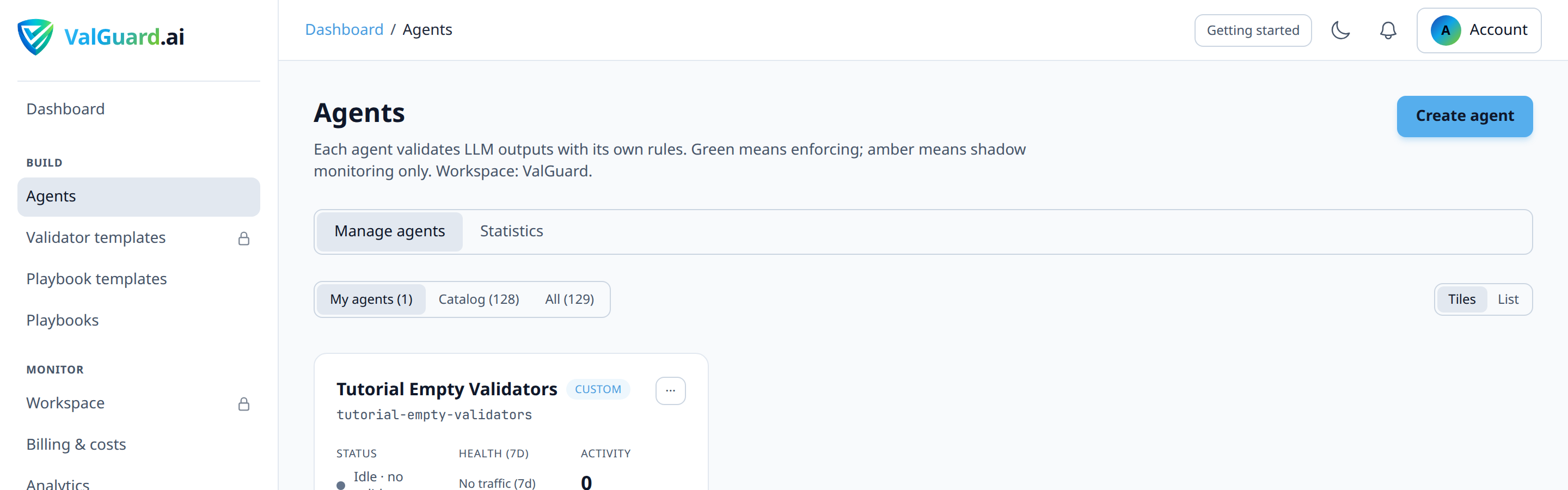
Start with one agent. Measure before you roll repair out broadly.
5Step 2: Enable a response repair preset
Open the agent and go to the Response Repair tab (next to Validators and Settings). Choose a Repair level. Agent Settings only shows a callout with Review Response Repair settings →; the preset itself is no longer a dropdown on Settings.
For a first rollout, choose Safe. It covers fences, quotes, commas, and unquoted keys without aggressive inference. Move to Standard only after Safe looks stable on real traffic. Custom rules is for picking individual Tier 1–3 fixes later.
Save, then send a few known bad-format test payloads through the API or Playground.
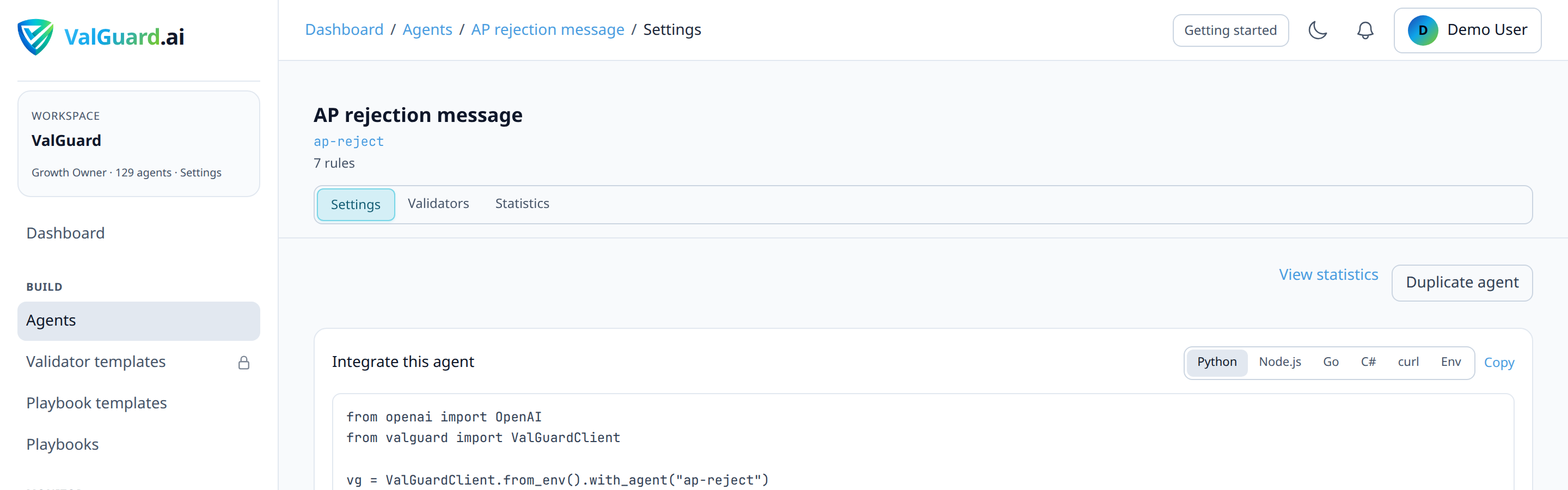
Workspace defaults live in Dashboard → Workspace settings under Response Repair — workspace defaults. Agents set to Inherit workspace setting follow that org preset.
6Step 3: Validate without changing validator policy
Do not change validator
on_failsettings in the same change window. You need a clean before/after comparison.Run test traffic and check:
- how many requests would have reasked before repair,
- how many pass after repair,
- how many still block or reask because the underlying content is wrong.
The goal is fewer technical retries, not higher pass rate on invalid business data.
7Step 4: Monitor request logs and headers
Track repair impact over several days:
- share of requests with repair applied,
- reask count trend,
- median latency,
- cost per request.
Open Dashboard → Request logs and inspect recent completions. When repair ran, responses include debug headers such as
X-VG-Healed,X-VG-Healed-Rules, andX-VG-Healed-Trace(when debug headers are enabled for the agent).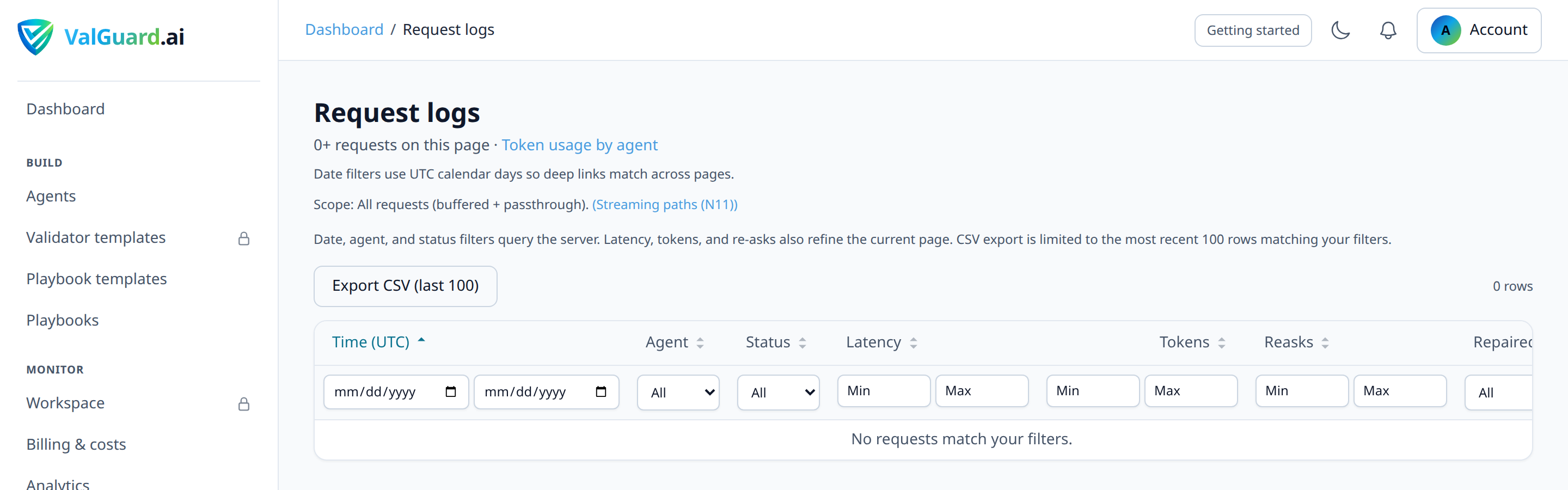
Compare the same metrics in Dashboard → Validation logs for rules that previously drove reasks.
8Step 5: Keep strict rules on critical fields
Leave business-critical validators as
blockorreaskas appropriate. Examples: regulated identifiers, monetary amounts, authorization flags, and policy gates.Use repair for syntax and type normalization. Do not use it to bypass substantive validation failures.
9Configuration Examples
Agent API fields (conceptual):
{
  "slug": "invoice-extraction",
  "self_heal_preset": "safe",
  "max_reasks": 1,
  "validators": [
    { "name": "json_schema_validate", "on_fail": "block" },
    { "name": "required_fields", "on_fail": "reask" }
  ]
}
Typical outcome:
- Before: a trailing comma or fenced JSON body triggers
required_fieldsor schema failure, then reask. - After: Tier 1 repair normalizes the payload, validators pass, no extra model call.
Custom preset: set
self_heal_presettocustomand enable specific rule IDs (for exampletier1:extract_json_fence,tier2:cast_numeric) inself_heal_rules.- Before: a trailing comma or fenced JSON body triggers
10Testing and Verification
Verify in three layers:
- Fixture tests. Run known bad completions through the agent and confirm which repairs fire.
- Request logs. Confirm fewer reasks on the same traffic shape with stable block quality.
- Cost check. Compare token spend and latency before and after on the same agent.
Add regression fixtures to CI using the test validators in CI/CD tutorial so preset changes do not widen repair scope silently.
11Troubleshooting
"Reasks dropped, but business errors increased." Repair scope is too broad. Move from
standardback tosafe, or switch tocustomwith fewer Tier 2 rules. Keep critical validators onblock."No measurable cost improvement." Check whether failures were semantic, not format-related. Repair only helps when validators fail on syntax or type mismatch.
"Some requests still reask." Expected. Repair does not fix missing fields or wrong content. Those requests should still follow normal
on_failbehavior."The Response Repair tab is missing." Confirm
self_healing_enabledis on for the deployment and refresh the agent page. Settings only links to the tab; it does not host the preset picker.12Best Practices
- Roll out on one high-volume agent first.
- Change preset and validator policy in separate releases.
- Prefer
safe, then promote tostandardwith metrics. - Separate technical validators (schema, required fields) from policy validators (PII, limits, approvals).
- Keep shadow mode or staged rollout discipline when changing enforcement rules on production agents.
13Summary and Next Steps
Response repair removes a common source of avoidable reasks: small format defects in otherwise usable model output. You keep strict validation while cutting retry cost and latency.
Next tutorials:
- How to tune reask loops for rules that still need retries after repair,
- How to use Cost control to track spend impact,
- How to test validators in CI/CD to lock repair and validator behavior in fixtures.