
How to roll out shadow mode safely
There's a specific moment every team building on top of an LLM eventually hits: you've written a validation rule that you're sure is correct (a JSON schema check, a PII filter, a "don't approve refunds over $500 without a human" gate) and now you have to decide whether to let it block real production traffic. What if the regex is too aggressive? What if the schema is stricter than what your prompt actually produces 2% of the time? What if it blocks a paying customer's request at 2 a.m. and nobody is watching?
This is exactly the problem shadow mode is built to solve. Instead of forcing you to choose between "ship the validator blind" and "never ship it," ValGuard lets every rule run against 100% of real traffic while the decision to actually block anything stays turned off. You get real production data on how a rule would behave, with zero risk to your users, and you flip a single setting when you're confident.
This tutorial is written for beginners setting up their first agent, but the rollout discipline in it applies just as well to teams promoting a validator template to a high-traffic agent for the first time. By the end, you'll know:
- How shadow mode works internally, and how it differs from a rule simply being disabled
- How to read the specific headers, logs, and metrics that tell you what shadow mode "would have done"
- A concrete, step-by-step rollout checklist from first deploy to full enforcement
- How to combine agent-level shadow mode with per-rule shadow for a more gradual rollout
- What to do when something looks wrong, and how to roll back safely
1How It Works
To understand shadow mode, it helps to understand what happens to a request without it first.
Every request sent through the gateway with an
X-VG-Agentheader goes through the same pipeline: the engine forwards your prompt to the upstream LLM, receives the completion, and then runs every enabled validator attached to that agent against the response, in priority order. Each validator has anon_failsetting that decides what happens when it fails:block: the request is rejected before it reaches your application (HTTP error or avalid: falseenvelope, depending on your agent's failure mode setting)reask: the engine automatically retries the upstream call, up tomax_reaskstimes, hoping the model self-correctswarn/pass: the failure is logged, but the response is still returnedlog: a per-rule shadow setting; the failure is recorded but explicitly excluded from block-rate and fail-rate metrics
Shadow mode operates one level above all of this. When an agent has
shadow_mode: true, every validator still runs exactly as configured, including any set toblockorreask, but after the validation pass completes, the engine strips out the actual blocking behavior. Concretely, the engine clears theBlockedandShouldReaskflags before the response is returned to the caller. The upstream model's original answer always reaches your application, untouched.What you get back changes in an observable way, though:
- The request's status in the audit log (Dashboard → Request logs) becomes
shadowinstead ofok - The response includes an
X-VG-Shadow-Mode: trueheader andX-VG-Validation-Status: shadow(the header's normal values arepass,warn,block, orshadow. Note the header usespass, while the audit-log status field usesok; they're two related but separately-named fields) - If a webhook is configured, a
validation.shadowevent fires with the same payload shape avalidation.blockevent would have, except nothing was actually blocked - Aggregate counters (
shadow_count,shadow_would_block_approx) accumulate on your daily agent stats, giving you a projected block rate
In other words: shadow mode doesn't change what is validated. It changes only the consequence of a failed validation. This is the key mental model: you are never testing a "lighter" version of your rules. You are testing the exact rules you're about to enforce, against exact production traffic, with the safety net fully deployed.
2Prerequisites
Before starting, make sure you have:
- A ValGuard account with at least one API key (
vg_live_...or a test key) - Access to the dashboard at
/dashboard/agents - An agent already created, either a fresh one from a preset, or an existing production agent you want to add new rules to
- A basic understanding of your own request volume. You'll want at least a few hundred real requests to draw meaningful conclusions from shadow data, so a very low-traffic agent will need a longer observation window
- (Optional, but recommended) A webhook endpoint capable of receiving
POSTrequests, for real-time shadow alerts
You do not need Growth-tier analytics for this tutorial. Shadow mode itself is available on every plan; only some of the deeper analytics dashboards used for observation are plan-gated.
- A ValGuard account with at least one API key (
3Step-by-Step Setup
4Step 1: Create or open the agent
Go to Dashboard → Agents and either create a new agent from a preset (for example
pii-guardorinvoice-extraction) or open an existing one you want to roll new rules into.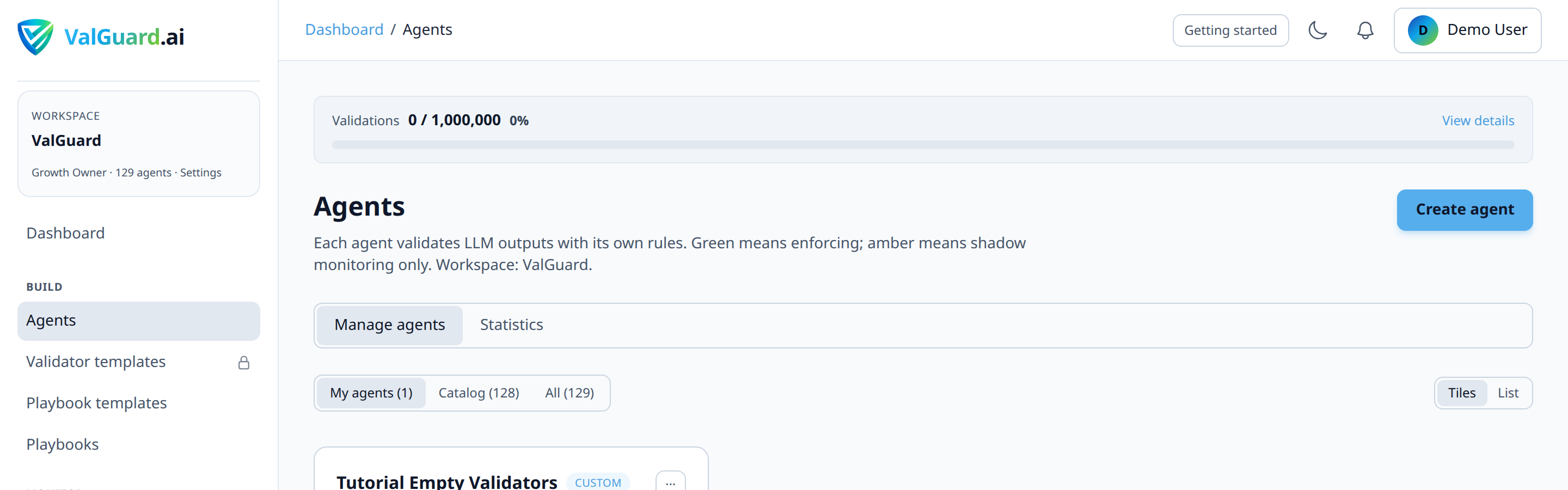
5Step 2: Add or confirm your validators
Open the agent's Validators tab. Add the rules you want to test. For this walkthrough, assume you're adding a
pii_detectionrule and arequired_fieldsschema check, both set toon_fail: block.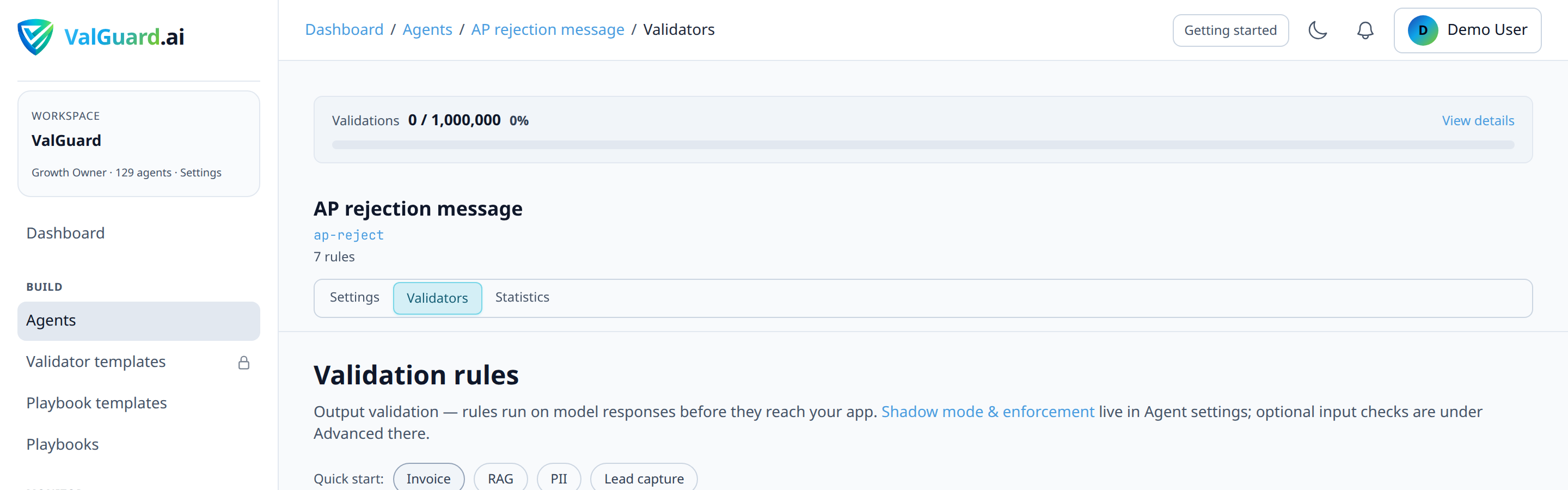
It's important that you configure these rules exactly as you intend to run them in production. Do not weaken them "just for testing." The entire point of shadow mode is to validate your real configuration against real traffic.
6Step 3: Enable shadow mode
Open the agent's Settings tab, scroll to Output validation, and check Enable shadow mode. The helper text is Measure would-block rate without breaking callers. Save the agent.

At this point, nothing about your application's behavior has changed. Every request will still return the model's raw answer.
7Step 4: Point real traffic at the agent
If this is a brand-new agent, update your application to send requests through it:
curl -si "$VG_PROXY/v1/chat/completions" \
  -H "Authorization: Bearer $VG_API_KEY" \
  -H "X-VG-Agent: invoice-extraction" \
  -H "Content-Type: application/json" \
  -d '{
    "model": "openai/gpt-4o-mini",
    "messages": [{"role": "user", "content": "Extract fields from this invoice: ..."}]
  }'
If you're adding new rules to an existing production agent, you don't need to change anything on the application side. The new rules simply start running in shadow the moment you save the agent settings.
8Step 5: Watch the response headers
Every response from a shadow-mode agent includes:
X-VG-Shadow-Mode: true
X-VG-Validation-Status: shadow
X-VG-Request-Id: 8f2a1c9e-...
If a request would have been blocked in enforce mode,
X-VG-Validation-Statuswill readshadow(rather thanpass) even though the body returned is the model's original completion.9Step 6: Let it run and observe the dashboard
Go to Dashboard → Validation logs and filter by agent and by status
shadow. This view shows you, request by request, which rule would have fired and why.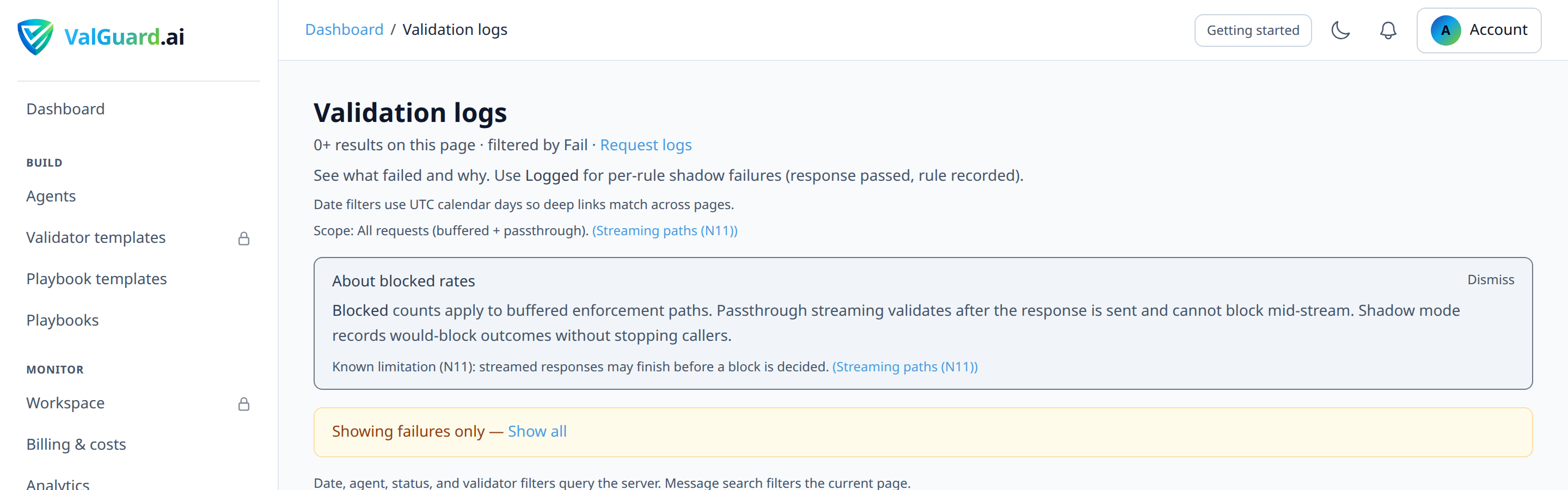
Give this at least 48–72 hours for a low-to-medium traffic agent, or until you've accumulated a few hundred shadow events, enough to see patterns rather than one-off noise.
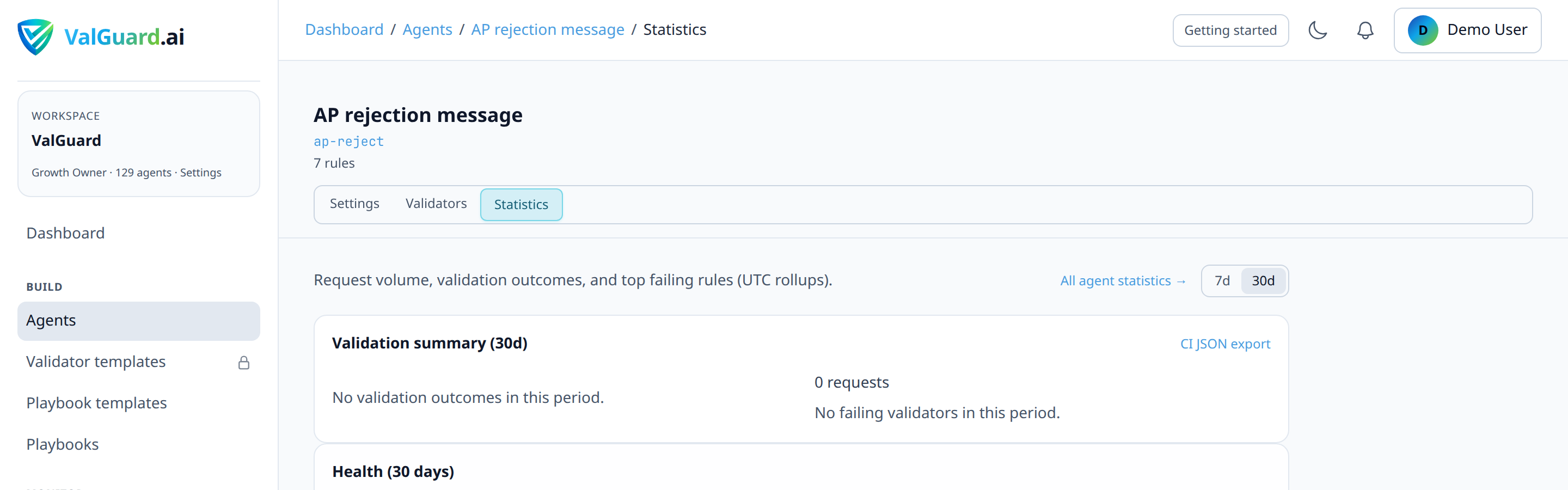
10Step 7: Read the aggregate numbers
Head to Dashboard → Analytics (or the agent's overview card) and look for:
- Shadow count: total requests that ran through shadow mode
- Shadow would-block rate: the percentage of those requests that would have been blocked or re-asked if enforcement were on
This projected block rate is the single most important number in this whole process. A well-tuned rule set on stable traffic usually settles at a low, boring block rate (low single-digit percent). A spike, or a rate above what you'd consider acceptable, is your signal to go back and adjust before enabling enforcement.
11Step 8: Investigate and tune false positives
For each distinct failure reason showing up in the shadow logs, open a few example requests and ask: is this a real problem the rule should catch, or is the rule too strict? Common tuning actions:
- Loosen a regex or widen an enum's allowed values
- Change a rule's
severityfromerrortowarnif it's informative but not a real blocker - Move a borderline rule to
on_fail: log(per-rule shadow) instead ofblock, so it keeps logging without affecting your would-block metric - Add an exception field to a
required_fieldscheck if certain valid response shapes were never accounted for
Re-save the agent after each change and keep observing. Shadow mode doesn't need to be re-enabled, it just keeps running.
12Step 9: Set up an alert for the transition
Before flipping to enforce, configure a validation webhook (see the companion tutorial on validation webhooks) subscribed to
validation.block. Once you disable shadow mode, this is the event that fires for real blocks, and you want to know immediately if the volume looks different from what shadow predicted.13Step 10: Flip to enforce
When your would-block rate has been stable and acceptable for your observation window, open Settings again, uncheck Enable shadow mode, and save. There is no extra confirmation dialog; Validation failure response (and HTTP status on block) become active again once shadow is off.

From this point forward, the exact same rules that were only logging in shadow will now actually block or re-ask. Nothing else about the rule configuration changes. That consistency is the whole reason shadow mode is trustworthy as a rollout tool.
14Step 11: Monitor closely for the first hours
Watch Dashboard → Request logs and your webhook delivery log closely for the first few hours after enforcement. Compare the real block rate against the projected shadow rate. They should be close. If they diverge significantly, see Troubleshooting below.
15Configuration Examples
Agent settings payload (conceptual shape used by the dashboard):
{
  "slug": "invoice-extraction",
  "shadow_mode": true,
  "max_reasks": 1,
  "log_level": "metadata",
  "validation_fail_mode": "http_error",
  "validators": [
    {
      "name": "required_fields",
      "enabled": true,
      "priority": 10,
      "severity": "error",
      "on_fail": "block",
      "params": { "fields": ["invoice_number", "total_amount", "vendor_name"] }
    },
    {
      "name": "pii_detection",
      "enabled": true,
      "priority": 20,
      "severity": "warn",
      "on_fail": "log",
      "params": {}
    }
  ]
}
Notice the
pii_detectionrule above uses per-rule shadow (on_fail: log) even independently of the agent-levelshadow_modeflag. This is a useful pattern once you've graduated some rules to enforcement and want to keep rolling out others more conservatively (more on this in Advanced Options).Example response headers while in shadow mode:
HTTP/1.1 200 OK
X-VG-Shadow-Mode: true
X-VG-Validation-Status: shadow
X-VG-Latency-ms: 842
X-VG-Request-Id: 8f2a1c9e-4b7d-4a11-9c2e-1f6a9d3e2b10
Content-Type: application/json
Example response headers after enforcement is enabled, for a request that fails validation:
HTTP/1.1 403 Forbidden
X-VG-Validation-Status: block
X-VG-Request-Id: 3ac0e1f2-7d5b-4e9a-8c31-0a2f9b7c4d55
Content-Type: application/json

{
  "error": {
    "type": "validation_block",
    "reason": "required_fields",
    "message": "response blocked by validation policy",
    "details": {
      "failures": [
        { "validator_name": "required_fields", "message": "Missing required field: total_amount", "on_fail": "block", "severity": "error" }
      ]
    }
  }
}
The
403here is the default; it's configurable per agent viavalidation_fail_statusto any 4xx code except429.16Testing and Verification
There are three independent ways to confirm shadow mode is behaving correctly before you trust it:
- Header inspection. Send a deliberately malformed test prompt (one you know should fail your rule) through the shadow-mode agent and confirm the response still contains the model's real answer, along with
X-VG-Validation-Status: shadow. - Validation logs. Confirm the same request shows up in Dashboard → Validation logs with
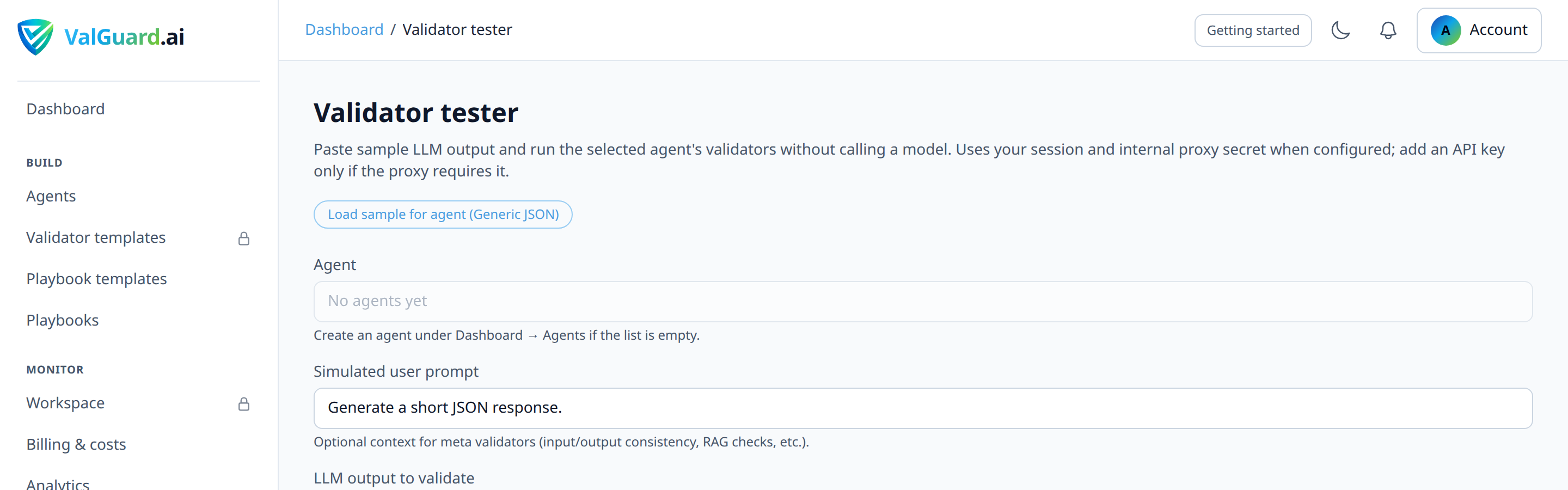
status: shadowand the correctvalidator_name. - Internal validator tester (no live traffic required). If you have access to the validator tester in Dashboard → Develop → Validator tester, you can run a rule against a sample payload directly, useful for confirming a rule's logic in isolation before it ever sees real traffic.
Only move on to enforcement once all three checks are consistent with what you expect.
- Header inspection. Send a deliberately malformed test prompt (one you know should fail your rule) through the shadow-mode agent and confirm the response still contains the model's real answer, along with
17Troubleshooting
"I don't see
X-VG-Shadow-Modein the response at all." Check that the request actually went through the agent you enabled shadow on. Confirm theX-VG-Agentheader value matches the agent slug exactly, and that you saved the agent settings after toggling shadow mode (unsaved toggles revert on page reload)."Shadow would-block rate shows 0% even though I know my test cases should fail." This usually means your validator's
paramsdon't match the shape of your real production data. Use the validator tester against a real sample response, not a synthetic one, to confirm the rule triggers as expected."The real block rate after enabling enforcement is much higher than the shadow rate predicted." The most common cause is a change in traffic composition between your observation window and go-live, for example, if you observed shadow data mostly during business hours but enforcement went live before a batch job with different input patterns ran overnight. Re-enable shadow mode temporarily, extend your observation window to cover a full traffic cycle (including weekly patterns), and re-check.
"Metrics on the dashboard seem to lag behind what I see in the raw logs." Aggregate counters like
shadow_would_block_approxare updated by hourly reconciliation jobs, not in real time. For up-to-the-minute visibility, rely on the raw validation logs view rather than the summary cards while you're actively tuning."I flipped to enforce and now need to roll back immediately." Re-enable shadow mode. This is a single toggle and takes effect instantly for new requests. There is no need to remove or disable the validators themselves; shadow mode is designed to be a fast, reversible safety switch specifically so you can roll back without touching your rule configuration.
18Best Practices
- Never weaken a rule "for the shadow test." Test your real configuration, or the data you collect is meaningless once you enforce the real one.
- Set a minimum observation window, not just a request count. Traffic patterns vary by day of week and time of day; a rule that looks fine over a Tuesday afternoon might behave differently on a high-volume Monday morning.
- Roll out per-agent, not organization-wide. If you manage several agents, promote them from shadow to enforce independently, starting with your lowest-risk or lowest-traffic agent to build confidence in the process itself.
- Pair shadow mode with a webhook from day one. Even before you turn on enforcement, subscribing to
validation.shadowgives you push notifications instead of requiring you to poll the dashboard. - Document your go/no-go criteria before you start, not after you see the numbers (e.g. "would-block rate under 2% for 5 consecutive days") so the decision to enforce isn't made reactively under time pressure.
- Keep a rollback runbook, even if it's just "toggle shadow mode back on and post in #incidents." The value of shadow mode as a safety net depends on your team knowing, without hesitating, that this switch exists.
19Advanced Options
Layered rollout with per-rule shadow. Once an agent is in full enforce mode, you can still stage the rollout of a new rule added to it by setting that one rule's
on_failtologfirst, independent of the agent-level shadow flag. This gives you shadow-mode behavior scoped to a single rule rather than the whole agent, useful when an agent already has trusted, enforced rules and you don't want to lose that protection while testing one new addition.Combining shadow mode with orchestration. Shadow mode is a per-agent setting, not a per-playbook one. If an agent is used as a step inside a multi-step playbook, enabling shadow on that agent means the step's validation failures won't trigger
on_validation_blockrouting in the graph. The playbook will proceed down the "pass" path even on a shadow failure. Keep this in mind when rolling out validation inside orchestration: a step you intend to gate on should generally not be left in shadow mode once the playbook is live, or you'll silently lose your routing logic.Correlating shadow data with cost. Because shadow mode still runs the full validator pipeline, you can use
blocked_cost_micro_total-style metrics as a preview of Spent on blocked (upstream $ that would still have been paid on requests your rules would block once enforced), useful for stakeholders, and distinct from any client-owned "cost avoided" methodology.20Summary and Next Steps
Shadow mode turns "will this validator break production?" from a guess into a measured, reversible experiment. The rules run exactly as configured, real traffic flows through untouched, and you get concrete would-block metrics to decide when, not whether, to enforce. The rollout pattern is always the same: configure for real, observe long enough to see real patterns, tune based on evidence, and only then flip the switch, with a rollback that's a single toggle away.
From here, two natural next steps: set up validation webhooks so you get pushed alerts the moment you go live with enforcement instead of having to watch a dashboard, and explore budget alerts so that once your validators are catching bad completions, you also have visibility into the cost of the retries those
reaskrules can trigger.